
Editor’s Note:
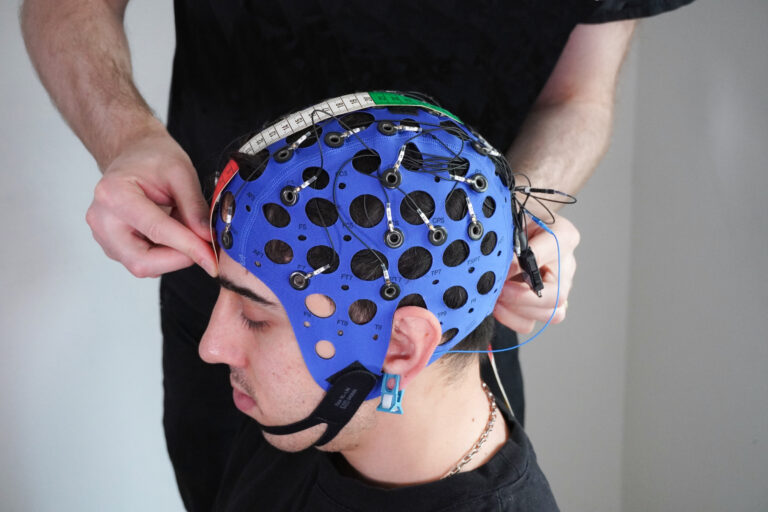
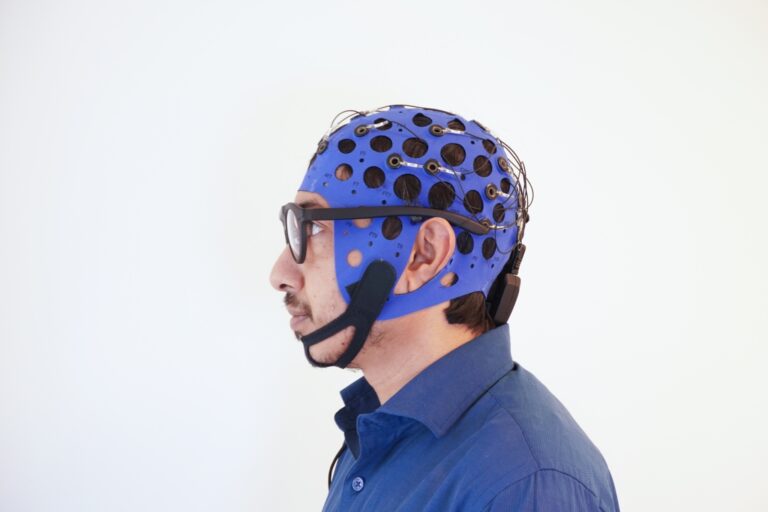
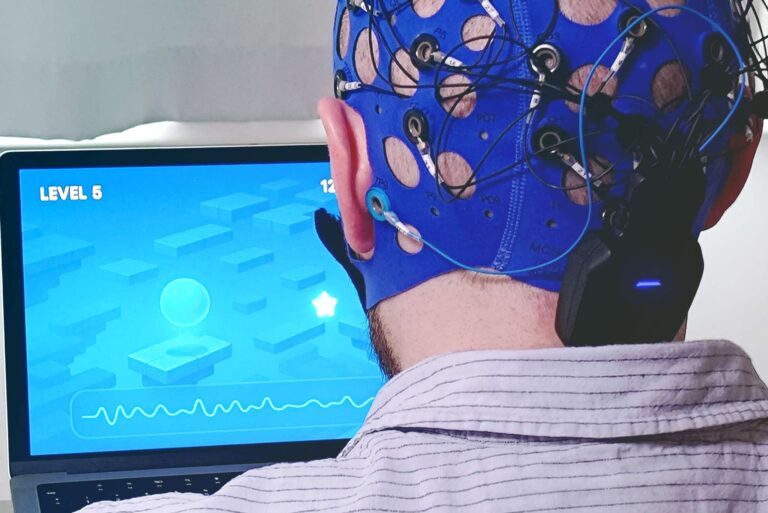
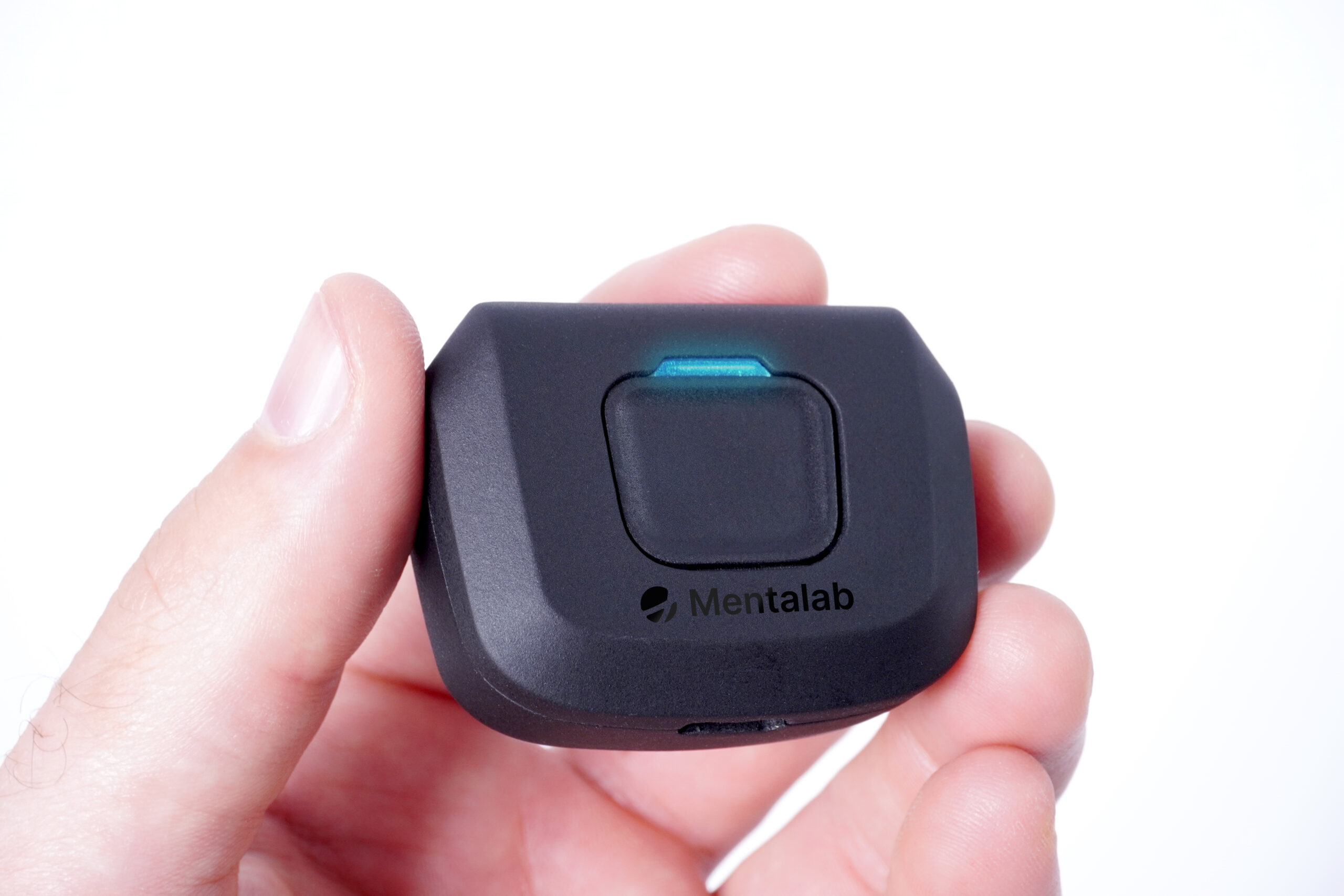
At Mentalab, we love supporting the next generation of neurotech innovators. As part of her work in The Knowledge Society (TKS) talent program, high school researcher Oliwia Wyczarska reached out to us to test our Explore+ 8-channel EEG system for a real-time Adaptive Brain-Computer Interface (BCI) project.
Below, Oliwia shares her honest, hands-on journey: including the hardware pitfalls, learning curves, and practical lessons she encountered along the way. Whether you are a student or a seasoned builder, her insights are a great reminder of how signal quality shapes decoder success.
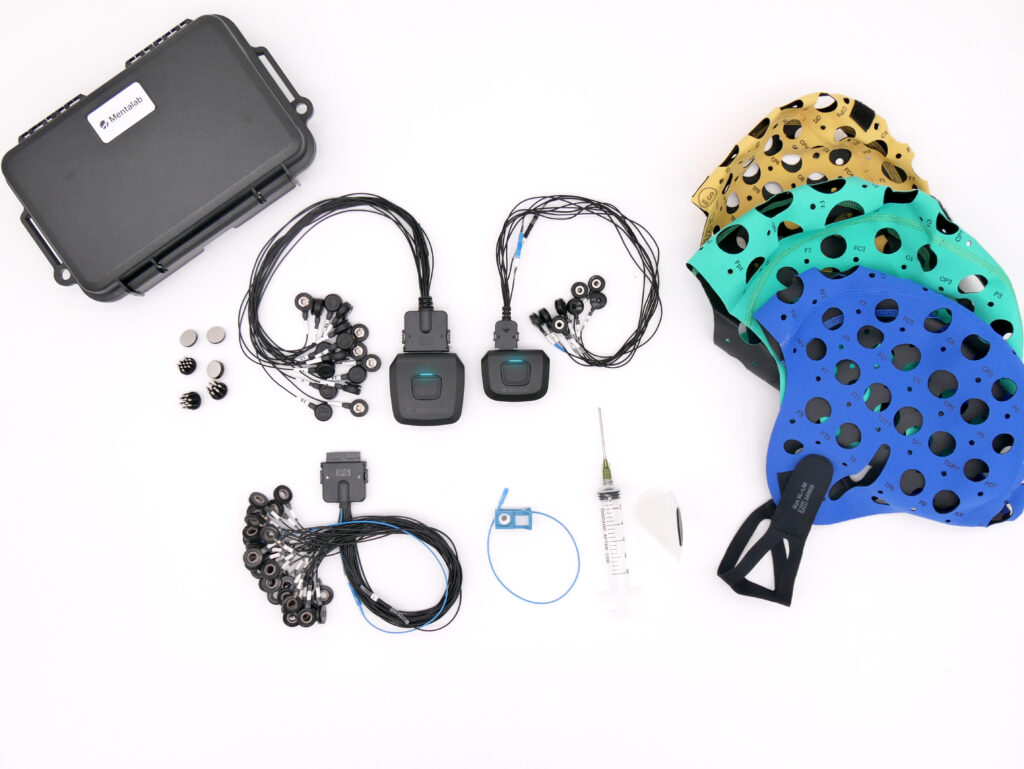
As an early researcher and builder, I anticipated the day when I would be able to use an EEG headset to see my brain signals. I remember unpacking the device, putting it on, working the gel into my hair, and watching the first lines roll across the display.
It took me a while to admit that most of what I saw wasn’t my brain signal at all.
Naturally, I was prepared for the most obvious artifacts: jaw movements, blinks, and head turns. Once I’d worked in enough gel, the humming settled, the lines started looking like a proper signal, and I thought my job with the hardware was done.
Soon, or in some cases not that soon, it proved to me that really wasn’t the end.
The decoder I was building compared patterns across channels, so it was only ever as good as the signal underneath, and not knowing that cost me hours of debugging code that was never the problem. Most of my issues weren’t in my code. They were in how my signals looked.
Here I want to share some of those mistakes so the next person doesn’t have to repeat them, and to show how, the better I got, the harder they were to spot.
When one channel screams, and when one goes silent
At the beginning, my mistakes started loud.
The first time it happened, I knew there was something wrong. One channel was swinging so hard it was drawn straight across all the others. Every other channel seemed fine, so I decided to wait this one out, thinking it might be some movement artifact even if it didn’t share the common high frequency as usual artifacts.
But that wasn’t it. It was an electrode that stopped making proper contact with my head.
I assumed that a bad contact would show up as a flat line. It doesn’t. It appears as the largest trace on the screen. When an electrode isn’t properly coupled to your scalp, the amplifier input is left floating, and a floating input behaves like a small antenna. It picks up whatever is around it and amplifies it all.
The opposite extreme has the same root. A channel that sits completely flat has either lost its path entirely or been pushed outside the amplifier’s range, so the output stops responding. On the Explore+, that range is ±400 mV, and the amplifier is always DC-coupled, so a large offset at the electrode has nowhere to hide.
For Minimum Distance to Mean, a decoder that works on covariance matrices, both cases break the math in opposite ways. A screaming channel has so much variance that it dominates every relationship in the matrix. A dead channel has none at all, which makes the matrix singular, and a Riemannian can’t work with that.
The dumbest mistake like this always costs me trash calibration and a horribly trained decoder. So now, when one channel misbehaves, I treat it as that electrode until proven otherwise: more gel, and making sure my Mentalab cap sat correctly, leaving no space for the electrodes to move. The fastest way to separate the two cases is the impedance check in ExploreDesktop, and a floating electrode gives itself away immediately.
These two problems are probably the first ones you will ever encounter, and they are very easy to see and fix. But what if the mistake occurs only for a short while and then everything goes back to normal?
The channel that fixed itself
Sometimes a channel would jump. One sharp step, and then it went back to looking completely normal, as if nothing had happened. Since the data looked fine again, I let it go.
It turns out this has a name. It’s called an electrode pop, and it comes from a sudden change in the contact between the electrode and your scalp, usually an electrode that has gone slightly loose.
My mistake was thinking that a well-pressed electrode was everything I needed to know, and ignoring what’s in the gel. Between the metal and my scalp there is an electrolyte layer, and the signal has to change carrier there: electrons in the metal, ions in the gel. That boundary sits at its own voltage, called a half-cell potential. Disturb it with a slight movement, a change in pressure, or the gel starting to dry, and the voltage shifts accordingly. Since half-cell potentials can be hundreds of millivolts and EEG is measured in microvolts, even a small disturbance at the boundary is far larger than anything my brain was doing.
This is also why the electrode material matters. The Explore+ uses sintered Ag/AgCl electrodes, which are chosen because the Ag/AgCl interface polarizes very little and its half-cell potential remains comparatively stable. It makes the problem smaller.
There is one clean way to tell a pop from real activity: real brain activity has a field. If something is happening in your head, the electrodes around it also see a version of it. A pop appears in one channel and nowhere else.
The Explore+ also streams motion data — accelerometer, gyroscope, and magnetometer — alongside the EEG. I ignored those channels for months. They are the easiest way to check whether a jump aligns with something physical happening in the amplifier.
A pop lasts a moment, so if I check signal quality for ten seconds and move on, I never see it, and one pop inside a window is enough to distort everything computed from that window.
Usually that is harmless, until your real-time system needs a clean signal all the way through. This is why real-time pipelines use cleaning stages like ASR, which detects sudden, high-variance jumps and reconstructs the corrupted part from other channels using statistics learned from a stretch of clean calibration data. The problem is what happens when the pop lands inside that calibration window. Then the statistics it treats as clean are already contaminated, and every subsequent correction is built on an incorrect baseline.
If a channel jumps once, it will jump again. I stopped treating it as a one-off.
When everything breaks at once
Previously, one bad electrode ruined one channel. But not every electrode belongs to just one channel, and when that kind fails, it takes all of them.
Instead of sitting flat, all eight baselines were sliding slowly in the same direction, and then wandering back over several seconds. Not spiky noise that I expected, just the whole picture moving together.
At first I blamed it on my Riemann decoder simply being bad, checking if everything was okay during calibration, and observing all 8 electrodes like a hawk.
In the end, there was only one bad electrode.
Here is the thing I had not really absorbed: there is no such thing as the voltage at a single electrode. Voltage only exists between two points. So a channel is never “the signal at C3”; it is the difference between C3 and the reference electrode. The reference is not a neutral zero point that stands outside the measurement. It is inside every single channel you record.
So when the reference is noisy, loose, or drifting, that noise shows up in all of your channels at once. Nothing is wrong with the other electrodes at all. They are faithfully reporting a bad reference.
On the Explore+, this matters even more than usual, because the system combines the reference and ground into a single channel. The amplifier is small, and the cable runs are short, so it doesn’t need a separate bias current; the ground is tied to the board’s shield. One electrode is doing both jobs, so a single bad contact affects everything.
So the rule I use now is the one I promised earlier: one bad channel is that electrode. If all channels look bad, I first check the reference.
When all the numbers look fine
Everything I had learned so far, I learned by looking. A screaming channel, a dead one, a pop, a drift all of them show up on screen. This one wasn’t that easy to notice.
Nobody told me that impedance was something I was supposed to check. I found out on my own, late, after I had already recorded sessions I thought were fine. The Explore+ makes it easy; the impedance check is right there in the software, but knowing that a button exists is not the same as knowing why you should press it.
So I started checking. And it led me into another mistake.
Most of my electrodes would sit around 10 kΩ, with one at 50 kΩ. Usually it was somewhere like Fz, not one of the channels I cared about the most, not where motor imagery lives. It was, I told myself, not an important electrode. And honestly, sometimes I was just too tired to fix it. So I let it be.
That one oversight cost me hours.
On its own, 50 kΩ isn’t a bad number. With a high-input-impedance amplifier, it’s a perfectly usable contact, which is exactly why I ignored it. The problem was the gap. Every channel is a subtraction against the reference, and the amplifier only cancels shared noise when both sides see it equally. Ten is fine. Fifty is fine. Seven at ten and one at fifty is a mismatch.
And a decoder built on covariance doesn’t have “less important” channels. The covariance matrix reflects relationships between every pair of channels, so one noisy electrode inflates its own variance and every cross-term in which it appears. That distorts the whole matrix, and everything computed from it. Spatial filters mix channels by design, so the noise doesn’t stay where I left it. With only 8 channels, there is no redundancy to absorb it either.
It is also worth knowing that filters in explorepy only affect what you see. The recorded file always keeps the raw data. My display was clean; my recording wasn’t.
Now, I check every electrode, not only the ones I care about. And if I am too tired to fix a bad one, I am too tired to record.
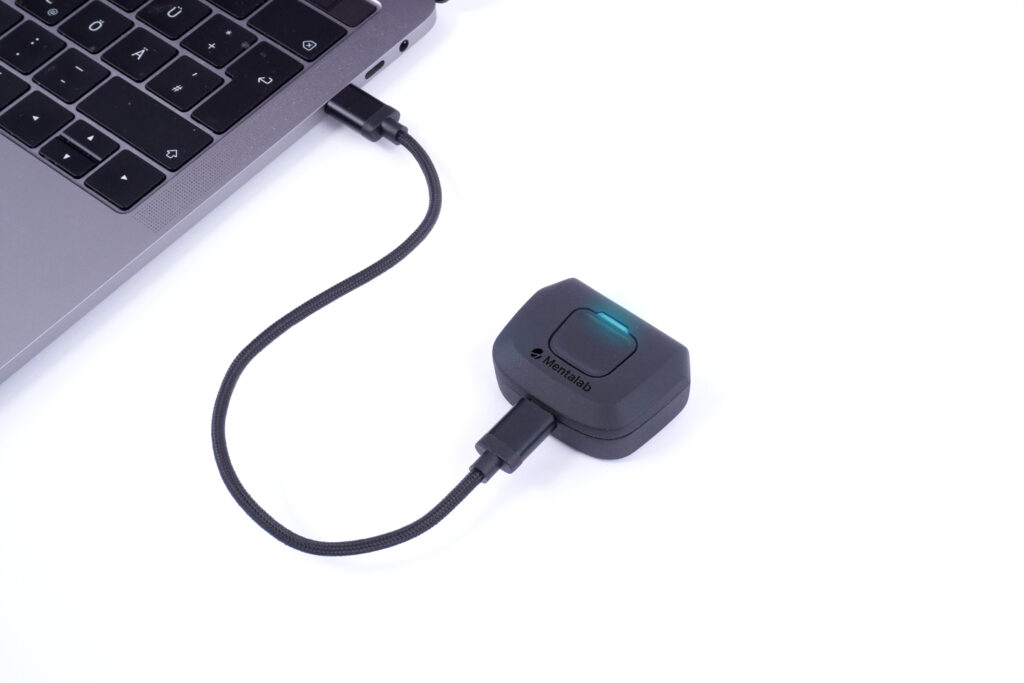
When I blamed the hardware and the hardware was innocent
So when I started checking everything methodically, I thought I was finally safe. Well, it wasn’t the case.
While I was training my decoder, it couldn’t reliably detect motor imagery. The pattern was there somewhere, but its position in time kept slipping.
By this point I had learned my lesson. Every earlier problem in this piece was hardware pretending to be a software bug, so I didn’t waste days in my code this time. I went straight to the hardware, and I was fairly sure I already knew the answer: wireless delay. The data leaves the amplifier over Bluetooth, my markers are generated on my computer, and those two things do not travel the same road. Everything about my symptom fit.
And the delay is real. Mentalab documents it: the Explore+ uses Bluetooth Classic 2.1 with SPP, chosen to keep throughput and sampling rates high, and the timestamps carry a slight but consistent delay of about 50 ms.
So I had a mechanism, a documented number, and a matching symptom. It felt solved.
Then I did the thing I should have done first: ask how big 50 ms actually is compared to what I was measuring.
My motor imagery window was two seconds. A 50 ms offset shifts that window by 2.5%. And motor imagery isn’t a sharp event locked to a single moment; it’s a sustained change in band power that develops across the whole window. Losing a sliver at one end and gaining one at the other does not stop a decoder from finding it.
It wasn’t the delay. My timing problem was almost certainly due to a weak and inconsistent signal, which, with one subject and eight channels, is completely ordinary.
A mechanism can be completely real and still be irrelevant to you. That same 50 ms would be devastating in ERP research, where the components people measure are defined in tens of milliseconds. Same hardware, same delay, different question, and the answer flips.
If timing matters for your paradigm, the Explore+ actually offers a workaround. It supports three kinds of markers, and two of them are hardware-generated: the amplifier’s own button, and TTL pulses, which carry a latency of around 200 microseconds. TTL needs extra kit (Mentalab’s trigger stick and an isolator), but it’s the option to reach for when timing genuinely matters. I was using software markers, generated on my computer.
So the last thing I learned from the hardware wasn’t about the hardware. It was that “this could explain it” and “this is large enough to explain it” are two different sentences, and only one of them is an answer.
What I actually take with me
For most of us, placing the electrodes and recording the signal is the least likable part of the job. Analysis, working systems, and conclusions are way more pleasant than data gathering. Sadly for real-time builders, keeping signals clean is the most important part, especially when calibrating your “cleaning” system, such as ASR.
So, based on my mistakes, what is my usual routine before I even open the code?
- Check impedance before anything else — every electrode, not just the ones I care about. This is the Fz mistake. There are no support channels in a covariance decoder.
- Look at the spread, not just the lowest number. One electrode at 50 kΩ while the rest are at 10 kΩ isn’t a small difference, even if the number alone looks acceptable.
- Let it settle, then check again. Wet electrodes stabilize over minutes, so the first reading isn’t the real one.
- Test the rig against signals I already know before trusting anything. Eyes closed for alpha, a deliberate blink, a jaw clench. If those don’t appear, the problem is the hardware, and no amount of debugging code will find it.
- Watch the screen for longer than ten seconds. A pop lasts a moment and then hides. A glance is how I missed them for months.
- Record the motion stream alongside the EEG. It’s already there, and it’s the fastest way to know whether a jump was my head or my electrode.
- When one channel misbehaves, suspect that electrode. When all of them do, suspect the reference. On the Explore+, the reference is also the ground, so it fails loudly and everywhere at once.
- Record a clean baseline before the task. ASR is only as good as the calibration data it learned from, and a pop inside that window poisons everything after it.
Before blaming any single cause, ask how big it is compared to what you’re measuring. That’s the 50 ms lesson, and it’s the only one on this list I still have to remind myself of.
For someone who had never used EEG before, the hardware itself was the easy part. Once I knew what went where, a clean session was straightforward. What took me a year was learning to read what it was telling me.
The Explore+ recorded what was actually happening at my scalp, faithfully, including all the parts that had nothing to do with my brain. That’s what an honest instrument does. It doesn’t hand you brain activity. It hands you voltage, and the work of telling one from the other is yours.